
Project Description:
2023
Worked with a fresh out of school game developer looking to create a bright and simple portfolio site that reflects their illustration style and obsession with colour. To meet their needs, the deadline was within a week. It is fully functional at all device size and includes a mobile-specific version. Visit the site!
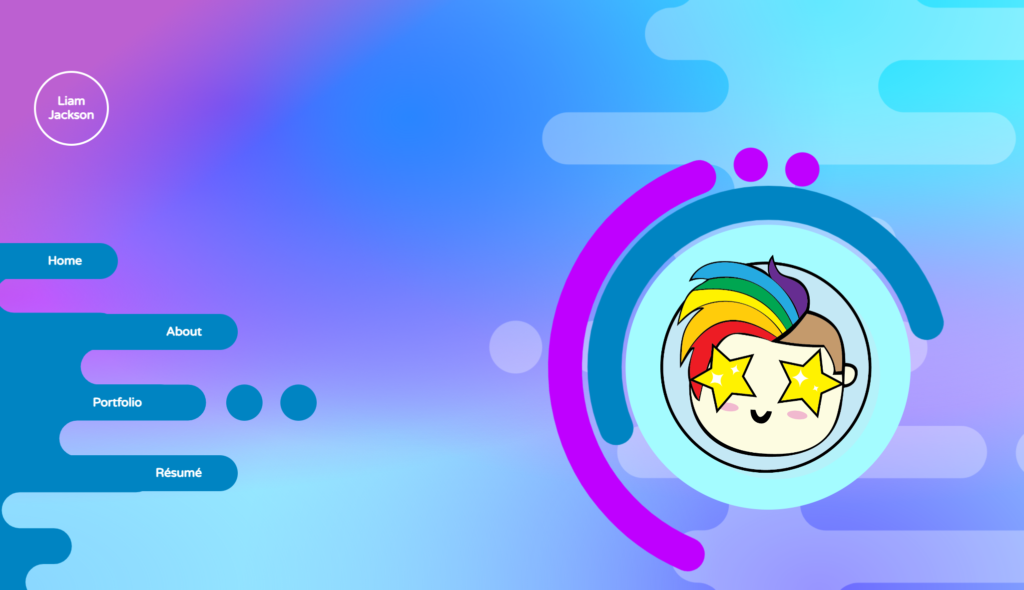
This site is filled to the brim with animations, intriguing transitions and a misbehaving intersection observer.
JavaScript Code Snippet
function changecircleimgone() {
    var x = document.getElementById("img1");
    var y = document.getElementById("baseimg");
    x.className += " show";
    y.className += " hide"
}

function changecircleimgtwo() {
    var x = document.getElementById("img2");
    var y = document.getElementById("baseimg");
    x.className += " show";
    y.className += " hide"
}

function hide() {
    var x = document.getElementById("img1");
    x.classList.remove("show");
    var y = document.getElementById("baseimg");
    y.classList.remove("hide");
}

function hidetwo() {
    var x = document.getElementById("img2");
    x.classList.remove("show");
    var y = document.getElementById("baseimg");
    y.classList.remove("hide");
}

function changecircleimgthree() {
    var x = document.getElementById("img3");
    var y = document.getElementById("baseimg");
    x.className += " show";
    y.className += " hide"
}

function hidethree() {
    var x = document.getElementById("img3");
    x.classList.remove("show");
    var y = document.getElementById("baseimg");
    y.classList.remove("hide");
}

function changecircleimgfour() {
    var x = document.getElementById("img4");
    var y = document.getElementById("baseimg");
    x.className += " show";
    y.className += " hide"
}

function hidefour() {
    var x = document.getElementById("img4");
    x.classList.remove("show");
    var y = document.getElementById("baseimg");
    y.classList.remove("hide");
}

// const sectionOne = document.querySelectorAll('main section');
// const options = {
//     root: null,
//     threshold: 0.1,
//     rootMargin: "-50px"
// };

// const observer = new IntersectionObserver(function(entries, observer) {
//     entries.forEach(entry => {
//     //   console.log(entry.target);
//     entry.target.classList.toggle("hidden");
//     })
// }, options);
// sectionOne.forEach(section => {
// observer.observe(section);
// });

function mobileMenu() {
    var x = document.getElementById("mainnav");

        x.classList.toggle("hidemenu");

}

function mobileIcons() {
    var x = document.querySelector(".scaleup");
    var y = document.querySelector(".scaledown")
    x.classList.remove("scaleup");
    x.classList.toggle("scaledown");
    y.classList.remove("scaledown");
    y.classList.toggle("scaleup");
}

// Get the button:
let mybutton = document.getElementById("myBtn");
var main = document.querySelector("main");
// When the user scrolls down 20px from the top of the document, show the button
main.onscroll = function() {scrollFunction()};

function scrollFunction() {
  if (main.scrollTop > 20 || main.scrollTop > 20) {
    mybutton.style.display = "flex";
  } else {
    mybutton.style.display = "none";
  }
}

// When the user clicks on the button, scroll to the top of the document
function topFunction() {
  main.scrollTop = 0; // For Safari
  main.scrollTop = 0; // For Chrome, Firefox, IE and Opera
}

// Get the button:
let mobilebutton = document.getElementById("myBtn2");
var wrap = document.querySelector(".wrapper");

// When the user scrolls down 20px from the top of the document, show the button
document.querySelector(".wrapper").onscroll = function() {scrollFunction2()};

function scrollFunction2() {
  if (wrap.scrollTop > 20 || wrap.scrollTop > 20) {
    mobilebutton.style.display = "flex";
  } else {
    mobilebutton.style.display = "none";
  }
}

// When the user clicks on the button, scroll to the top of the document
function topFunction2() {
  wrap.scrollTop = 0; // For Safari
  wrap.scrollTop = 0; // For Chrome, Firefox, IE and Opera
}
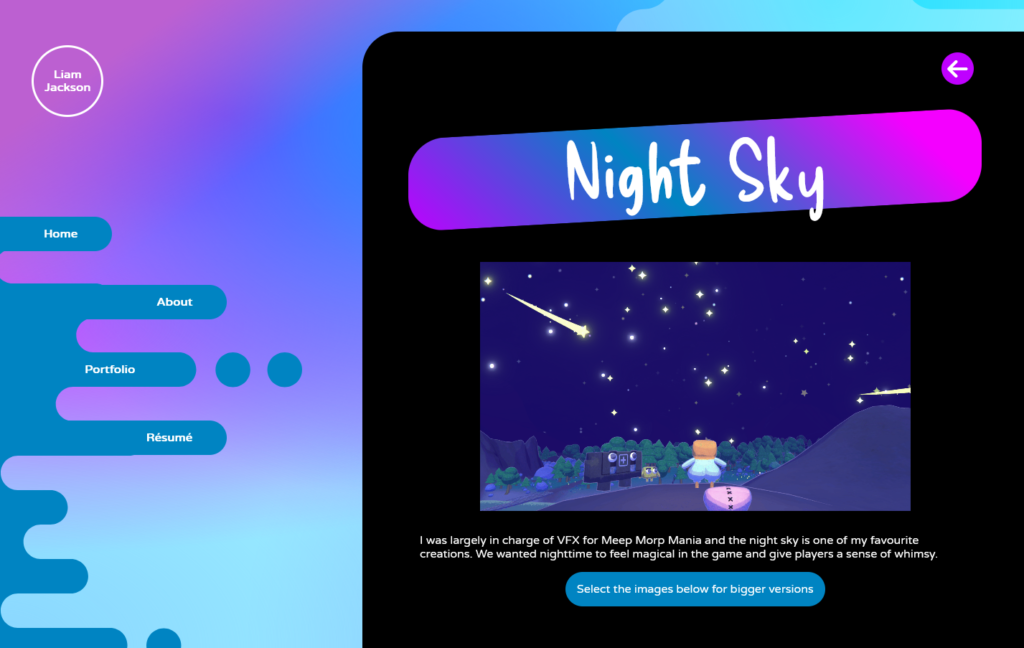
Basic desktop page example
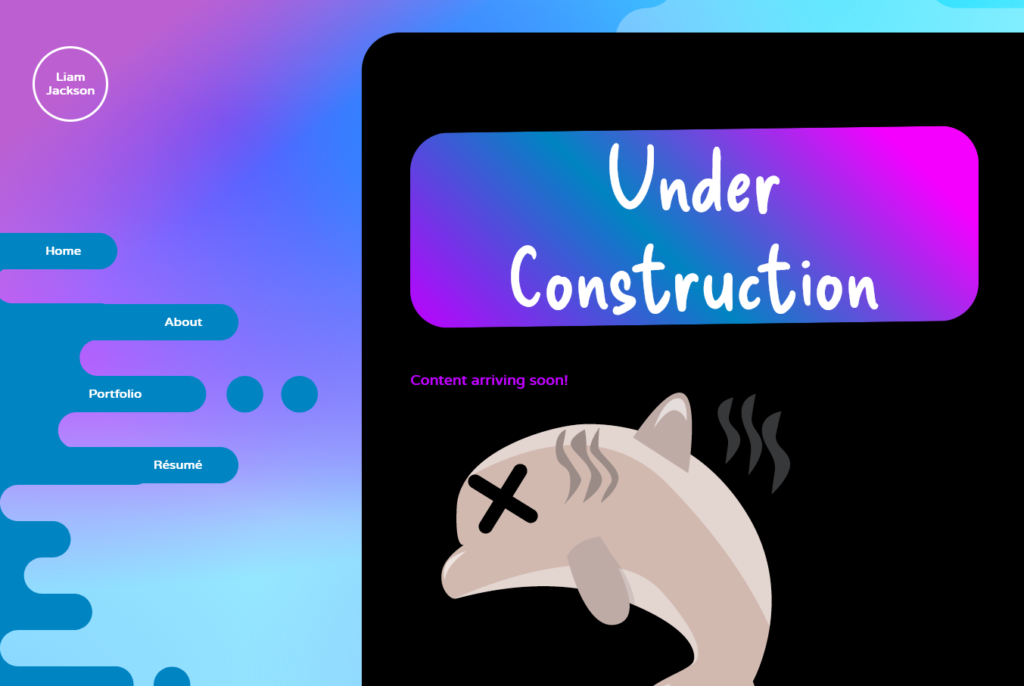
Error page (my personal favourite)
Software: Visual Studio Code
Languages: HTML, CSS, JavaScript